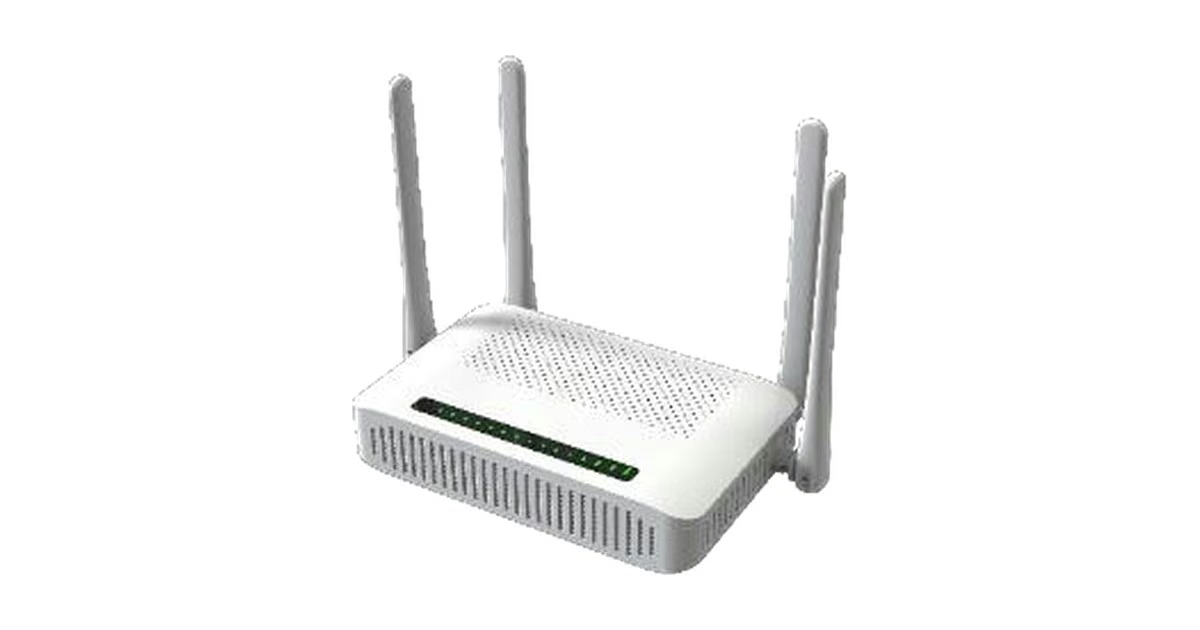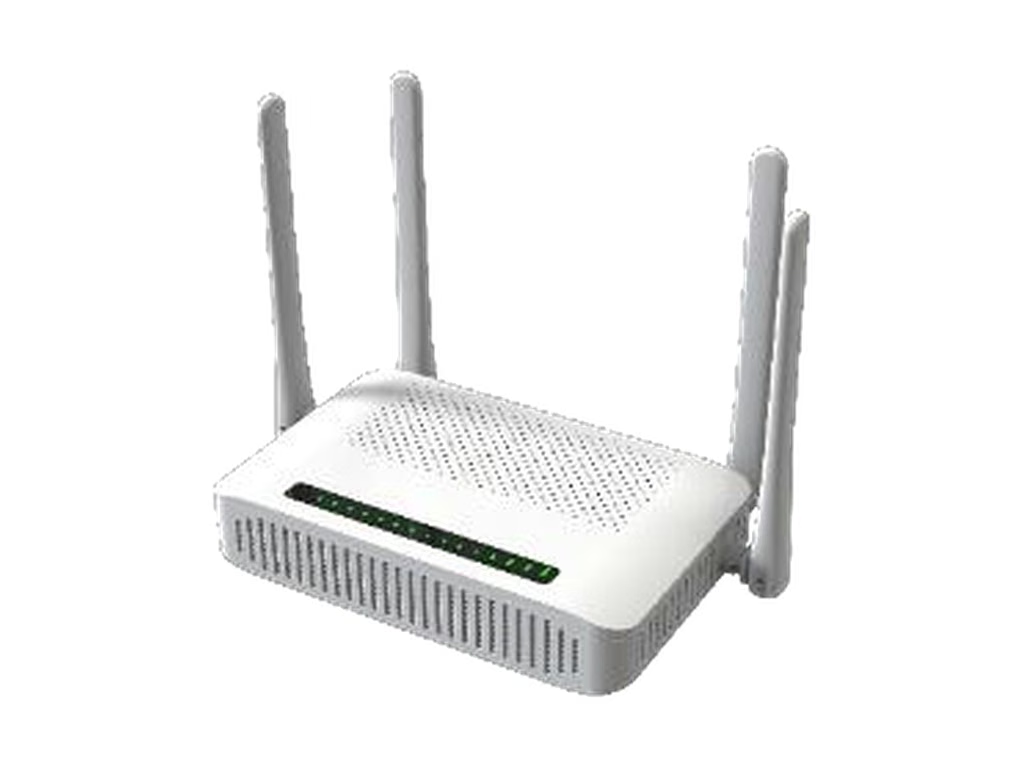
Short answer: GPON failover means a second WAN path, usually LTE or 5G, takes over when the fiber link goes down, then hands traffic back when fiber returns. Done well, a hotel front desk or a store checkout loses a few seconds and a handful of reconnects instead of an afternoon. It does not make an outage invisible: the public IP changes, open sessions reset, and services that only exist on the fiber side (operator voice VLANs, IPTV multicast) may not follow. A dual-WAN ONT puts the GPON terminal and the cellular modem in one box: an LTE Cat6 modem in the AceTel TG960L and TG900L, a 5G NR modem in the TG924NR. In all three the switching behavior is a firmware policy you should specify and test, not assume.
This article explains how the switch works, what your subscribers will actually notice, when one box beats an ONT plus a separate 4G or 5G router, and a test plan you can run on a sample. For the LTE model comparison, see our TG960L vs TG900L selection guide.
What fiber backup is for
Fiber outages usually start outside the ONT: a drop cable gets cut by construction or a storm, a splitter cabinet is damaged, an OLT card or its uplink fails, or the operator’s BNG has a problem. For a home user that is an annoyance. For a business subscriber, especially one on a plan with an uptime commitment, it stops work:
- Hotels: check-in and check-out in a cloud property management system, key card encoding, card payments at reception, and guest Wi-Fi complaints that land on the front desk.
- Shops and restaurants: card terminals, cloud POS, online ordering tablets and stock systems that refuse to work offline.
- Small offices and clinics: cloud phone systems, booking software and VPNs to head office.
In each case the subscriber does not need full fiber speed during an outage. They need the critical traffic to keep moving until the fiber is repaired. A Cat6 LTE link is a good fit for that job: plenty for payments, booking systems and email, while bulk traffic can wait. A 5G NR backup goes further: where 5G coverage at the site is good, it can keep guest Wi-Fi, video calls and larger cloud workloads usable too, at the cost of a bigger, more expensive unit and potentially more SIM data used during an outage.
How GPON failover to LTE or 5G works
Any failover design has four parts, and they are the same whether the backup is LTE or 5G. The steps below say LTE for short. When you specify a dual-WAN ONT, write down what you want for each one.
1. Detecting that fiber is down
There are two kinds of failure, and they need different detection:
- Loss of the optical link. A cut fiber or dead splitter shows up at the ONT as loss of signal (LOS) or loss of frame. This is detected almost immediately because the ONT sees the PON go down.
- Fiber up, internet down. If the OLT uplink, the BNG or the upstream route fails, the PON can stay fully registered while no traffic gets out. Only active checks catch this: pinging or resolving several targets through the fiber WAN and declaring it down after a number of consecutive failures.
A design that only watches the optical link will miss the second case. Ask for both, and make the probe targets configurable so you can point them at addresses inside your own network as well as on the public internet.
2. Switching to LTE
The time to switch is roughly detection time plus the time for the LTE side to carry traffic. As an illustration only: if the probe runs every 5 seconds and three misses mark the link as down, detection alone takes about 15 seconds before any switch happens. If the LTE modem is kept registered on the network (warm standby), the switch after that is quick. If it has to attach and bring up a data session from idle, add the time that takes on your operator’s network. Shorter probe intervals switch faster but cost more probe traffic and risk false alarms, so this is a tuning choice, not a fixed number.
3. Failing back to fiber
When fiber returns, the device should switch back, but not the first moment the link reappears. A damaged fiber can flap up and down, and every switch resets sessions again. A sensible policy waits until fiber has been stable for a set period before moving traffic back. This also matters for cost: every minute spent on LTE uses SIM data you pay for.
4. Deciding what rides the backup
The simplest policy sends all traffic over LTE during an outage. That can burn a data plan fast if a guest network starts streaming video. Depending on firmware, options include limiting bandwidth on the LTE path or keeping some LAN or VLAN traffic off it. On the TG960L, TG900L and TG924NR the datasheets list QoS (WMM, bandwidth control) and VLAN modes, but not a failover-specific traffic policy, so put what you need in the requirements and confirm it on the firmware version you will deploy.
What subscribers notice when the link switches
This is the part most failover marketing skips. When traffic moves from fiber to LTE or 5G, the site gets a different public IP address, and on many mobile networks that address sits behind carrier-grade NAT (CGNAT). Consequences:
- Open TCP sessions reset. Web pages, apps and VPN tunnels reconnect. Most modern software does this on its own within seconds.
- Card payments usually ride through. A payment authorization is a short transaction. One that was in flight at the moment of the switch may fail and need a retry; the next one goes through on LTE.
- Inbound access stops. Port forwards, remote access to a camera recorder and anything else that depends on reaching the site’s fiber IP will not work over a CGNAT mobile connection.
- Voice depends on the operator’s design. If SIP voice on the FXS port reaches the softswitch over a dedicated voice VLAN on the GPON side, that path does not exist over LTE unless the operator makes the SIP server reachable through the mobile APN. Check this before you promise phone service during an outage.
- IPTV typically stops. Multicast IPTV is delivered over the fiber network and does not normally carry over a mobile data connection.
So the honest promise to a hotel or shop is “the business stays online through a fiber cut”, not “nothing drops”. That is still a real uptime gain: minutes of disruption instead of hours or days waiting for a fiber repair.
Management while the fiber is down
GPON ONTs are often managed over OMCI, which runs over the PON itself. When the fiber is cut, OMCI goes with it. The TG960L and TG900L datasheets list OMCI and local Web management. TR-069 is not listed on either one, unlike the fiber-only TG6241C. The TG924NR datasheet lists local and remote management without naming the protocol. If your NOC needs to reach the ONT, read cellular signal quality or receive alerts while a site is running on backup, raise it at the sample stage so it can be checked or quoted as a firmware option.
One box or two: integrated ONT vs ONT plus external router
The common alternative is a standard ONT plus a separate router with a 4G or 5G modem and dual-WAN failover. Both designs work. The trade-offs:
| Dual-WAN ONT (GPON + LTE or 5G in one box) | ONT + external 4G/5G router | |
|---|---|---|
| Devices at the site | One | Two, plus a cable between them |
| Power supplies | One adapter (DC 12V 1.5A on TG960L/TG900L, 12V 2.5A on TG924NR), one socket on a UPS | Two adapters, both need backup power |
| Wi-Fi | Built into the ONT | Usually on the router; ONT Wi-Fi disabled |
| Who manages failover | The ONT firmware | The router, separately from the ONT |
| Support calls | One device to check | Field staff must work out which box failed |
| Backup speed | LTE Cat6 (TG960L, TG900L) or 5G NR (TG924NR) | 4G or 5G, depending on the router |
| Antenna placement | Wherever the ONT sits, often near the fiber entry | Router can sit near a window for better signal |
The integrated box wins on simplicity for volume rollouts: fewer parts to ship, one power supply to protect, one device in the provisioning system, and fewer “which box is blinking” support calls. If the backup has to be 5G-class, the TG924NR keeps that in one box as well. The two-box design still wins when the fiber enters the building somewhere with poor mobile signal and the cellular router needs to sit elsewhere, for example near a window or on an upper floor. If that is your case, look at AceTel’s 5G CPE range, for example the R5089 5G CPE.
Two points apply to both designs. First, failover does nothing during a power cut unless the equipment is on a UPS, and many fiber faults and power faults happen together in storms. Second, put the backup SIM on a different network from the fiber where you can. If the fiber and the SIM depend on the same operator core, one fault can take out both paths.
Test plan for a sample
Before a volume order, run these tests on a sample unit with your own OLT and SIM card:
- Pull the fiber. Unplug the SC/APC connector during a continuous ping and a file download. Record how long until traffic flows over LTE.
- Break the upstream, not the fiber. Keep the PON registered but block the route upstream at the OLT or BNG. Confirm the ONT still detects the failure.
- Restore and watch failback. Reconnect fiber, then reconnect and disconnect it a few times within a minute. Confirm the unit does not flap between paths.
- Check services on LTE. Card payment test transaction, cloud PMS or POS login, a SIP call on the FXS port, VPN reconnect, IPTV.
- Check data use. Leave the unit on LTE with typical traffic for an hour and read the SIM usage.
- Check visibility. Confirm whether your management system can see that the site is running on backup.
Write the results into the order specification. That way the firmware you receive in volume behaves the same as the sample you tested.
Common questions
Do the TG960L, TG900L and TG924NR switch to cellular automatically?
The TG960L and TG900L include an LTE Cat6 modem and the TG924NR a 5G NR modem as a second connection next to GPON. The datasheets do not specify the switching policy, so tell us the behavior you need (for example fiber primary, LTE only on failure, failback after a stable period) and we will confirm it on the current firmware or quote it as a customization. Then test it on a sample with the plan above.
Will my customers lose their connection during the switch?
For a short time, yes. Expect a pause while the failure is detected, then open sessions reconnect over LTE or 5G with a new IP address. Most applications recover on their own. Inbound services such as port forwarding typically will not work over the mobile connection.
Is LTE Cat6 fast enough as a fiber backup?
For payments, booking systems, email, cloud phones and normal browsing, usually yes, depending on signal at the site. It will not match a gigabit fiber plan, which is why limiting non-critical traffic on the backup path is worth discussing. If business subscribers expect close to normal speed during an outage, choose the 5G NR TG924NR instead.
Which bands do the units support?
The TG960L and TG900L: LTE-FDD B1/B3/B5/B7/B8/B20/B28 and LTE-TDD B38/B40/B41, with WCDMA fallback on B1/B5/B8; North American bands such as B2, B4, B12, B13 and B66 are not included. The TG924NR: 5G NR SA n1/n3/n5/n7/n8/n20/n28/n38/n40/n41/n66/n77/n78 and LTE-FDD B1/B2/B3/B4/B5/B7/B8/B20/B28/B66, LTE-TDD B38/B40/B41; B12, B13 and B71 are not listed. Check your operator’s bands first.
Is there a similar product for copper lines?
Yes. The M981 Hybrid VDSL2/LTE Router pairs VDSL2 with LTE in the same way.
Next steps
If you are planning fiber backup for hotels, shops or small offices, start with the TG960L (LTE, Wi-Fi 6, EasyMesh), the TG900L (LTE, AC1200, lower cost) or the TG924NR (5G NR, Wi-Fi 7), and see our hotel Wi-Fi solutions for the wider network. Not sure every site needs a cellular path at all? Read GPON + 5G/LTE vs pure GPON ONT: which to deploy. To test failover on your own OLT, request a sample from any of the product pages or write to [email protected] with your operator, country, quantity and the WAN behavior you need.
Technical insight published by AceTel's Field Application Engineering (FAE) and Hardware Architecture team. Tested across 3GPP and carrier-grade RF laboratory standards. Have project questions? Consult our engineers.